
Soumitra Sarkar
-
Posts
30 -
Joined
-
Last visited
Recent Profile Visitors
2,667 profile views





-
Need Guidance on Dolby Vision to DCI-P3 and IMAX Workflow
Soumitra Sarkar replied to Soumitra Sarkar's topic in Baselight
Thank you sir for your valuable feedback. As per your suggestions, at first I finished my HDR grade then I just change my viewing colourspace to nomal DCI P3 & offset. Now I have to face with some problem. I notice that After convert the colour space to P3 & offset , the pick highlight of a shot have no details, to get back the details in highlight I need to regrade the shot in the first layer where I do the Base grade. On the other hand when I do the DV pass it’s getting back the pick highlight but looks muddy to see in P3 projector. need your suggestions once again. Waiting for feedback ***one more things, if I increase the saturation & brightness of a shot in first layer too much , then I insert a layer and reduce the pick highlight with BaseGrade tool & reduce the saturation with hue shift tool , is that right procedure ? Recent a DoP force me to follow this procedure but I said it’s wrong procedure to grade. Am I right or wrong ? -
Hi everyone, I’m a Baselight colorist working on an upcoming feature film where the primary output is for theatrical release (DCI-P3), but the DoP insists on grading in Dolby Vision HDR first. I initially suggested grading in P3 first since the target audience is theatre-goers, but he’s fixed on starting with Dolby Vision. I’m also aware that Dolby Vision SDR trims do not translate well to cinema P3 DCP Now, there’s an additional request to deliver a version optimized for IMAX — and here’s where I need some guidance. I’ve never delivered for IMAX before, and I want to ensure: The DCI-P3 theatrical output is not compromised, since it’s the main release. I produce a proper IMAX version without just handing over the standard P3 DCP. My Setup: Sony BVM-X300 for Dolby Vision HDR grading. Barco DCI-P3 projector for theatrical grading. please suggest popular workflow & guide
-
How to render embedded matte DPX for color grading. Suppose I have chroma shot. Now I have to render embedded matte DPX after remove the green matte for DI software
-
Can I render .exr file as log from Baselight
Soumitra Sarkar replied to Soumitra Sarkar's topic in Baselight
Ok, sir... Thank you. But some other software like assimitate Scratch can't give any banding in Image in log space. exr file -
Can I render .openExr file from Baselight like log because my vfx vendors want to log file. Also I have to render only cg. exr files and grade have to done in some where else. So we can't do BaseGrade for vfx render.plz help with giving the scene and render setting for. Exr( log ) render. Although as I know .exr File itself linear file.
-
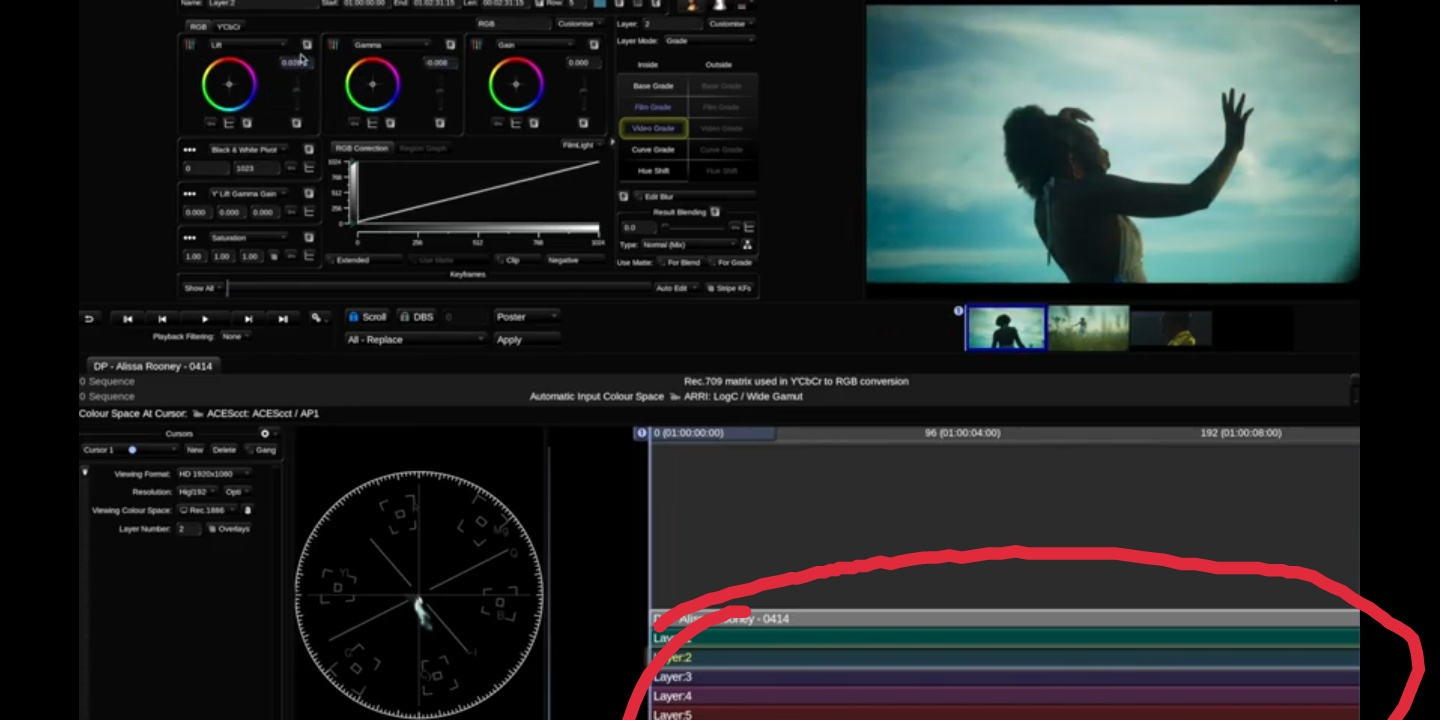
In preferences, where is the setting of getting colourful layers

-
Hi, Now I graded my all project in ACES but yet I can't understand the CDL workflow. Plz give me some suggestions to understand cdl workflow and give me some references of video tutorial of cdl workflow in Baselight Thanks in advance
-
Plz give me some suggestions and tips for a feature Film black and white grade...
-
Thank you sir, I am using Flanders display
-
Ok, I understand. But which one 4:2:2 or 4:4:4 full to legal...
-
In recent time I grade a web series keeping my Baselight SDI output setting 4:2:2 full to legal . When I saw the output in another machine keeping setting 4:4:4 RGB full to legal, it's look like shadow up and look my not poper grading. I don't understand why happened. As I know 4:2:2 and 4:4:4 effect only chroma label. Usually I kept my settings 4:4:4RGB full to legal. Plz help me to understand...
-
HDR Grading - Colour Reproduction on monitors
Soumitra Sarkar replied to Mark Mulcaster's topic in Baselight
Usually I grade in SDR in ACES workflow. And I keep my viewing colour space ACES : Cineon Log / APO. But after this article read I just test the those theree type of viewing colour space , 1) ACEScc : ACEScc / AP1 2) ACEScct : ACEScct / AP1 3)ACES : Cineon Log / APO I feel when I import Arri mov. rush in Cineon Log it's giving some clipping highlights than the other two and also in Cineon Log when I saturated too much it's became pixlete colour but the other two are not giving . I also want to know difference between the REC.2020:ST 2084PQ/Rec.2020/108nit REC.2020:ST 2084PQ/Rec.2020/600nit REC.2020:ST 2084PQ/Rec.2020/1000nit REC.2020:ST 2084PQ/Rec.2020/2000nits REC.2020:ST 2084PQ/Rec.2020/4000nits And when they use. Which viewing and mastering option is correct for HDR10 and Dolby Vision Grade -
I am using Baselight v5.2 and want to use Display look American night and negative look. My scene workflow is filmlight authorise Filmlight T-log/E-Gamut workflow and using T-Cam DRT. But when want to use Display look it's totally different look form the other workflow and all Colours are clipping . It's also same problem in Arri log C/wide gamut and viewing P3 colour space workflow but when I grade in DCI P3 working and viewing colour workflow look fine. Is there any setting for use Display look in T-cam workflow. thanks in advance....
-
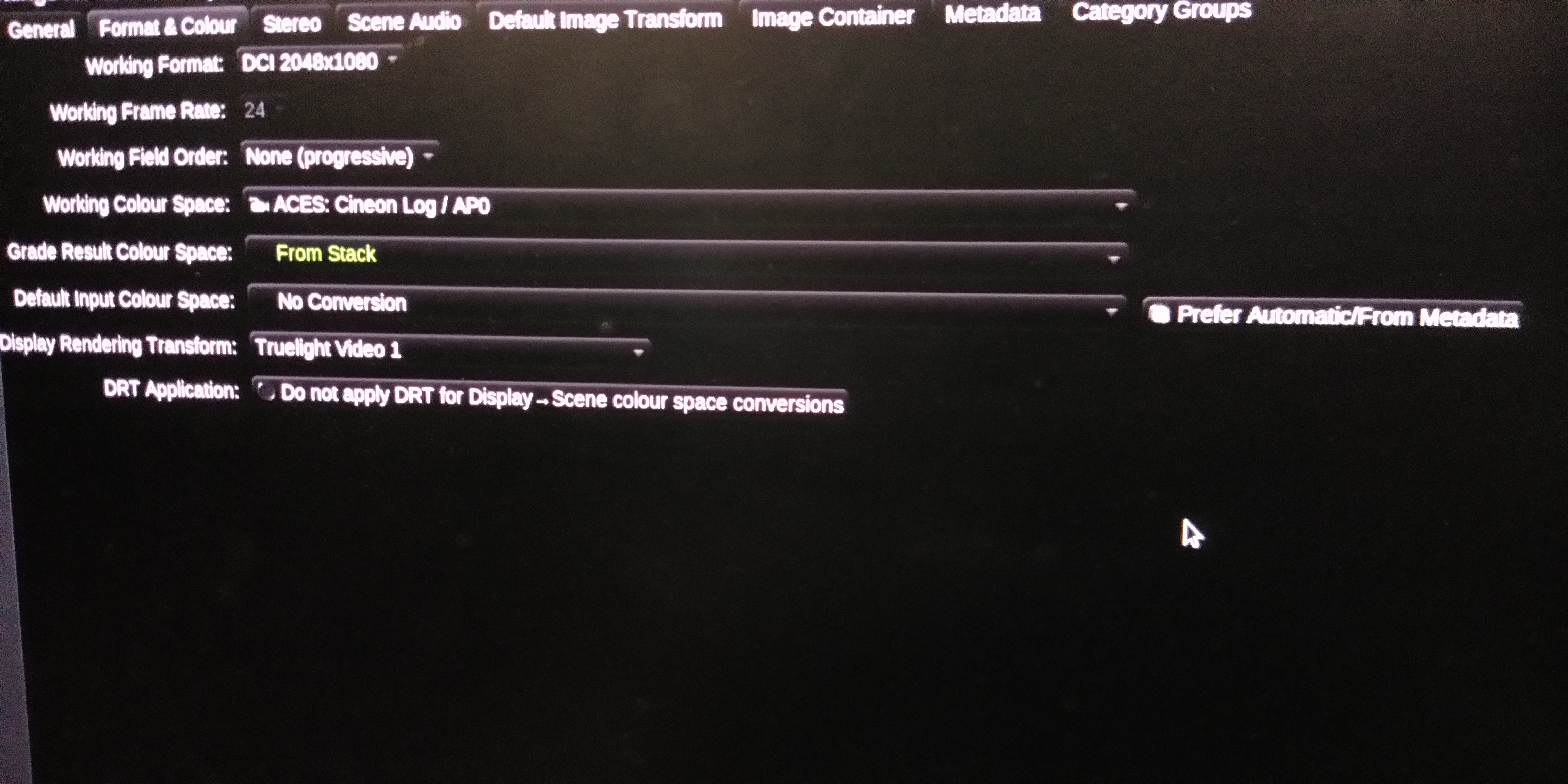
I am came from telecine style grading system. Now I want to shift my workflow to scene reffered colour space. In ACES I use Truelight video 1 DRT as give some low contrast. But problem is that when I import some type of shots that have pick highlights colour the highlight colour are cleping and that can't recover. I also use other all DRT but problem is same. Specifically red or blue colours are cleping. For this reason lots of DOP are not want to move in ACES but ACES is future. How I fix the problem. Is there any HighlightFix CTL in Baselight and how I get it and install it in Baselight
-
If I am wrong... P3 in 2.6 gamma and rec709 in 2.4..when you grade in rec709 and project in theaters how its look as same as grade.. I think it would be gamma issue