
Abby Bader
-
Posts
264 -
Joined
-
Last visited
Content Type
Profiles
Case studies - Free
Case studies - Premium
Resources
Insider
Courses
Forums
Store
Everything posted by Abby Bader
-
Works fine here

-

Masterclass in Color Grading with Mark Todd Osborne
Abby Bader commented on Lowepost's course in Color Grading Masterclasses
Well, I see what you mean, but his focus class is on explaining concepts and grading workflow rather than walking through specific footage step-by-step. As long as the principles are clear, you don’t actually need the exact same footage to follow along. The goal is to understand the process so it can be applied to any context, not just to a particular set of frames. If you want step-by-step tutorials I recommend the DaVinci Resolve training, for examples the ones with Kevin to start out with. -
To improve separation, try dialing in the contrast on a black-and-white version of the shot. Additionally, look at subtracting color from objects far away etc to help get better separation.
-
The VFX department should verify that the delivered files match exactly what they received. Please note that full-range vs. legal-range color space differences can cause slight color shifts.
-
It's just a master file with the transform disabled, point is to future proof the archiving.
-
This course walk you through several alternatives, worth watching:
-
Excellent course Josh!
-
There are two files in the ZIP-folder, import the "DRX" into your still album and the node tree will be available to you.
-
Masterclass in Color Grading with Mark Todd Osborne
Abby Bader commented on Lowepost's course in Color Grading Masterclasses
Apply the transform first, then adjust exposure and balance in a prior node. Again, watch the pro training with Kevin to understand how to set up this workflow. If you already have, watch it again. -
Masterclass in Color Grading with Mark Todd Osborne
Abby Bader commented on Lowepost's insider article in Case Studies
Apply the transform first, then adjust exposure and balance in a prior node. Again, watch the pro training with Kevin to understand how to set up this workflow. If you already have, watch it again. -
Masterclass in Color Grading with Mark Todd Osborne
Abby Bader commented on Lowepost's course in Color Grading Masterclasses
People have different ways of working, I think it's about finding a workflow that you feel comfortable with. Personally I prefer to start with global exposure and balance prior to the transform and build from there if needed. Also, look into what color management (RCM/ACES) can do for you. It can take you to a nice place pretty quick. -
Masterclass in Color Grading with Mark Todd Osborne
Abby Bader commented on Lowepost's insider article in Case Studies
People have different ways of working, I think it's about finding a workflow that you feel comfortable with. Personally I prefer to start with global exposure and balance prior to the transform and build from there if needed. Also, look into what color management (RCM/ACES) can do for you. It can take you to a nice place pretty quick. -
Masterclass in Color Grading with Mark Todd Osborne
Abby Bader commented on Lowepost's course in Color Grading Masterclasses
Might be, but the point is that the curve of the transform should be the main component to decide where your corrections should fall on the tonal range. Applying corrections after the curve will have no component to decide where your colors will fall, how your highlights will bend etc. I can't stress enough to set up a good workflow. You will get better continuity between shots and scenes, and professional looking result. Watch the professional color grading training with Kevin to understand this concept better. -
Masterclass in Color Grading with Mark Todd Osborne
Abby Bader commented on Lowepost's insider article in Case Studies
Might be, but the point is that the curve of the transform should be the main component to decide where your corrections should fall on the tonal range. Applying corrections after the curve will have no component to decide where your colors will fall, how your highlights will bend etc. I can't stress enough to set up a good workflow. You will get better continuity between shots and scenes, and professional looking result. Watch the professional color grading training with Kevin to understand this concept better. -
Masterclass in Color Grading with Mark Todd Osborne
Abby Bader commented on Lowepost's course in Color Grading Masterclasses
I think it's safe to say that the transform is happening at the end of the node stack in most professional workflows. Most of the grading controls are designed to be applied in camera space and the results of their corrections are designed to go through a transform. That said, there are no rules in creativity. -
Masterclass in Color Grading with Mark Todd Osborne
Abby Bader commented on Lowepost's insider article in Case Studies
I think it's safe to say that the transform is happening at the end of the node stack in most professional workflows. Most of the grading controls are designed to be applied in camera space and the results of their corrections are designed to go through a transform. That said, there are no rules in creativity. -
Yes!
-
Timeline Color Space setting, to grade RED footage
Abby Bader replied to Alexander Volkov's topic in DaVinci Resolve
Timeline color space only affects how your color controls works, not the end result or anything else. I prefer to leave it set to Arri Log C when working with any type of footage. For Red Workflow in general, watch this course: -
Masterclass in color grading with John Daro
Abby Bader commented on Lowepost's course in Color Grading Masterclasses
Unzipping? -
Density is brightness (offset slider).
-
HDR workflow - SDR deliverables in mind
Abby Bader replied to Christian Rush's topic in DaVinci Resolve
Hi Ian, may I propose you team up with Lowepost to produce an online training series? Most of the pro community are members here. -
How do you accurately key in Log space inside Resolve?
Abby Bader replied to Thomas d'Auteuil's topic in DaVinci Resolve
Most of the times you can key in log without any problem, but different algorithms works for you on different methods. -
On this site? Do you mean this?
- 1 reply
-
- 1
-

-
The ultimate guide to color grading monitors
Abby Bader commented on Lowepost's insider article in Color Grading
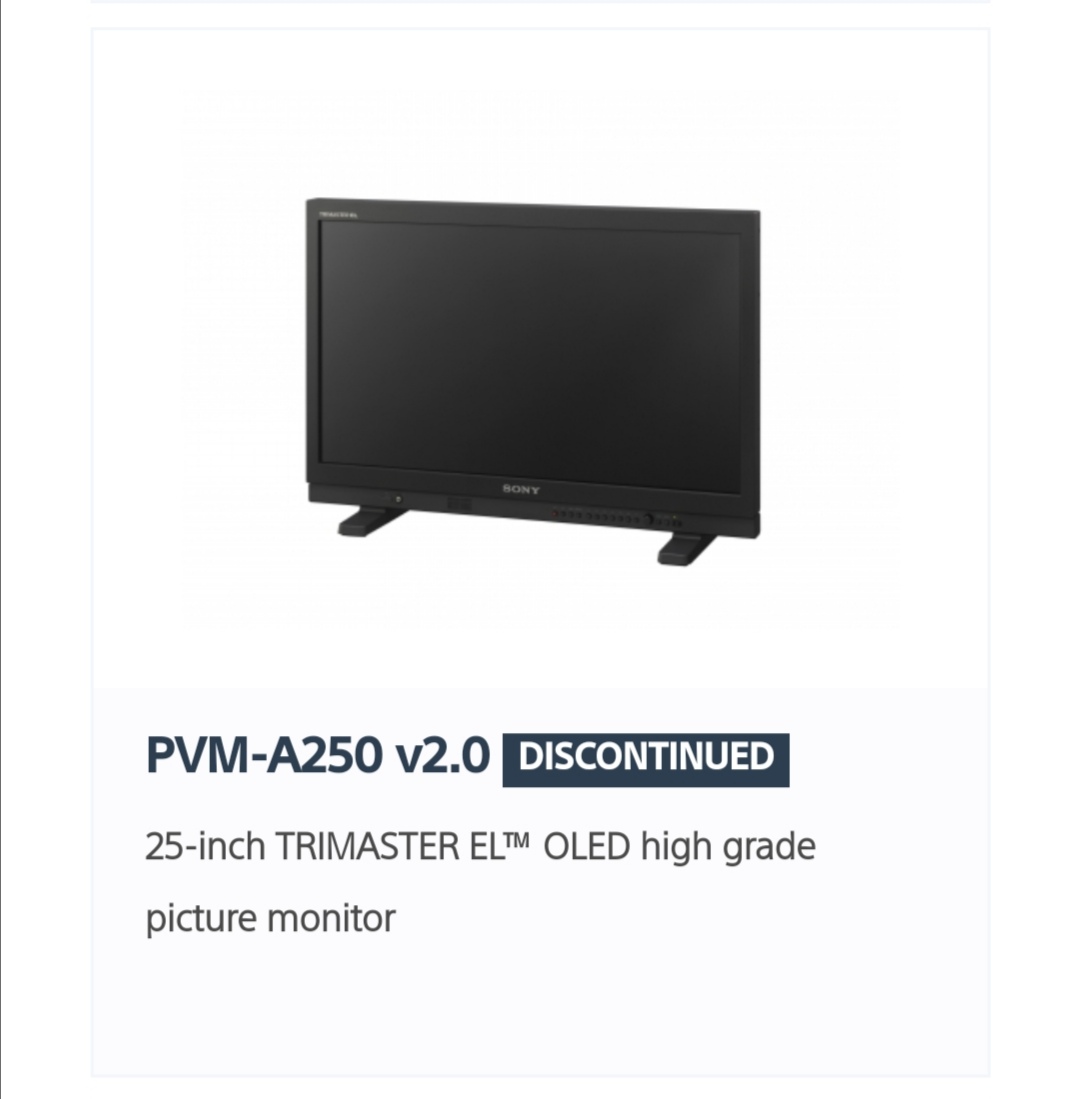
Also discontinued.
-
The ultimate guide to color grading monitors
Abby Bader commented on Lowepost's insider article in Color Grading
I read that to be the small 17 inch and 8 bit monitors.