
Jason Bowdach
-
Posts
30 -
Joined
-
Last visited
Content Type
Profiles
Case studies - Free
Case studies - Premium
Resources
Insider
Courses
Forums
Store
Posts posted by Jason Bowdach
-
-
Hey Lowepost,
If you work with DaVinci Resolve, you're familiar with the multitude of ways to adjust saturation. We have primary saturation control, hue vs. curves, and, of course, the color warper, just to name a few.
I have a confession to make - I have a bit of an obsession with deep, dense, highly saturated colors, and I've never been completely satisfied with the primary saturation controls. They work "additively," causing an increase in luma/brightness alongside saturation.
During my journey, I discovered various methods to achieve deeper and denser colors, such as working "subtractively" in cylindrical color space models. However, these methods often came with limitations, requiring complex node trees or intricate structures. I yearned for a better solution, one that allowed me to stay in my creative headspace.
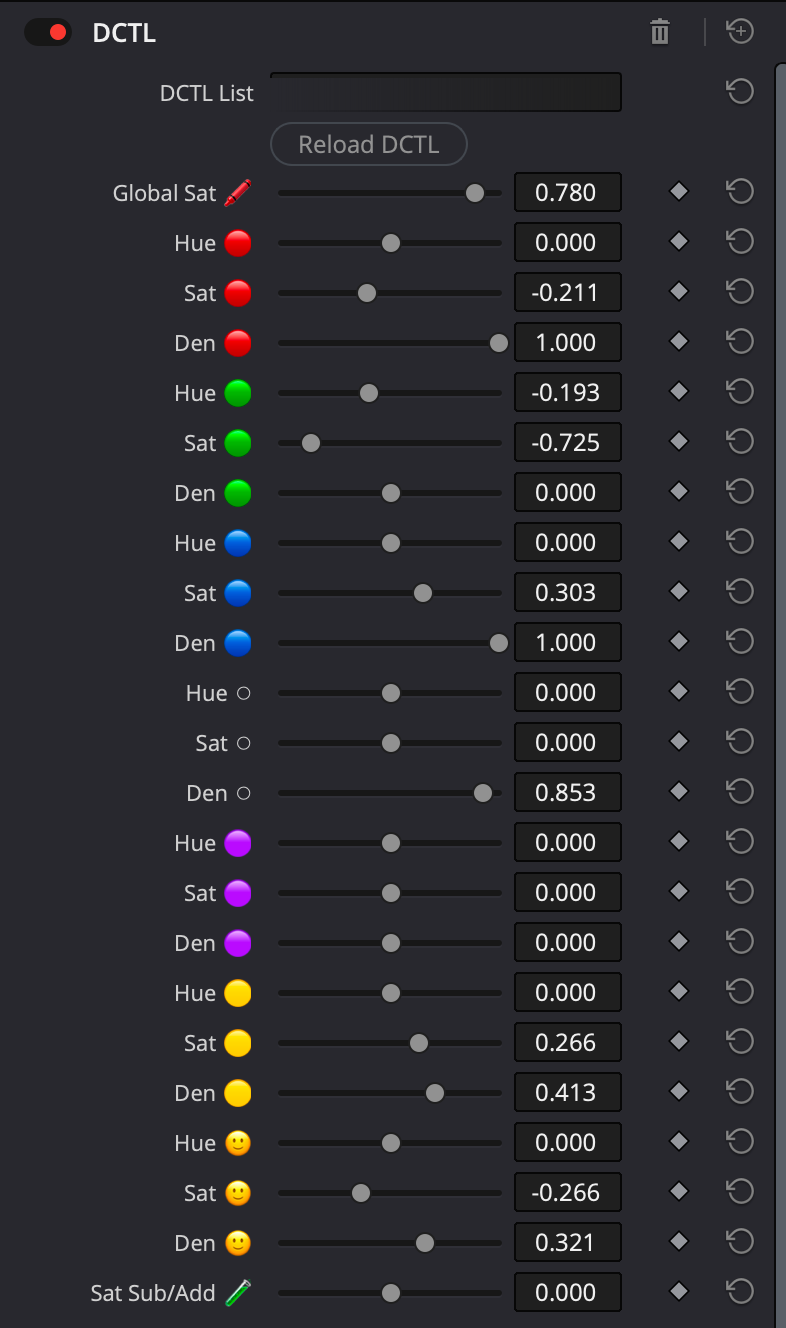
That's why we've developed a custom DCTL that simplifies the adjustment of hue, saturation, and density for 7 major vectors (red, green, blue, cyan, magenta, yellow, and skin). It's as easy as adjusting lift, gamma, and gain!
If you're interested, you can learn more about it here. Plus, we're offering an automatic 25% discount for the first 50 orders during the preorder.
The DCTL will be available on the PixelTools store on June 25th, 2023, at 11:30 pm PST. However, you have the opportunity to preorder today with a 25% discount for the first 50 orders.
Thanks and keep up the awesome work!
-
Hey - we chatted but I thought I'd comment here as well so this question is answered for others. The color management of this PowerGrade is manual node-based DWG. It will work in RCM, aside from the halation compound node. Simply disable the halation compound node OR replace it with the built-in halation ResolveFX and set the effect to work in DWG / DaVinci Intermediate.
The only thing you need to adjust the INPUT node, which you set to you input camera source gamma and gamut. Everything else should be all set-up for you.
Hope that helps!
-
2 hours ago, Wietse van Bezooijen said:
Cool and thanks for this! But just looking at your website it seems that your grade is clipping colors everywhere.
That before\after still is actually a different look from our Sample Collection (Teal & Orange 1). It designed to be quite strong at full strength, so it can easily be reduced in intensity using node opacity controls. A benefit of powergrades is they can be entirely adjusted, especially as I don't obfuscate anything. The look is mainly built using primaries and hue curves, so pretty easily to adjust.
-
 1
1
-
-
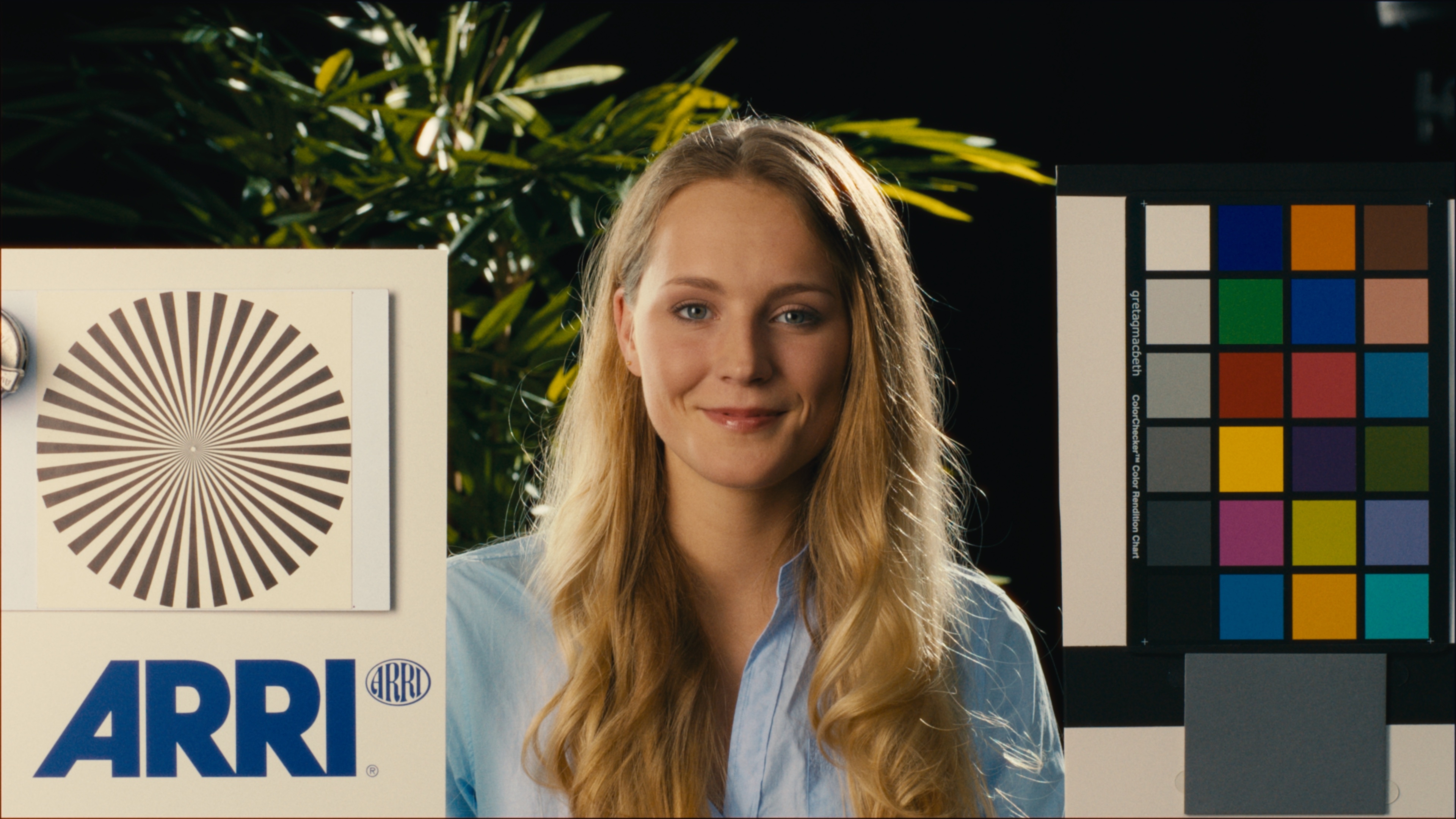
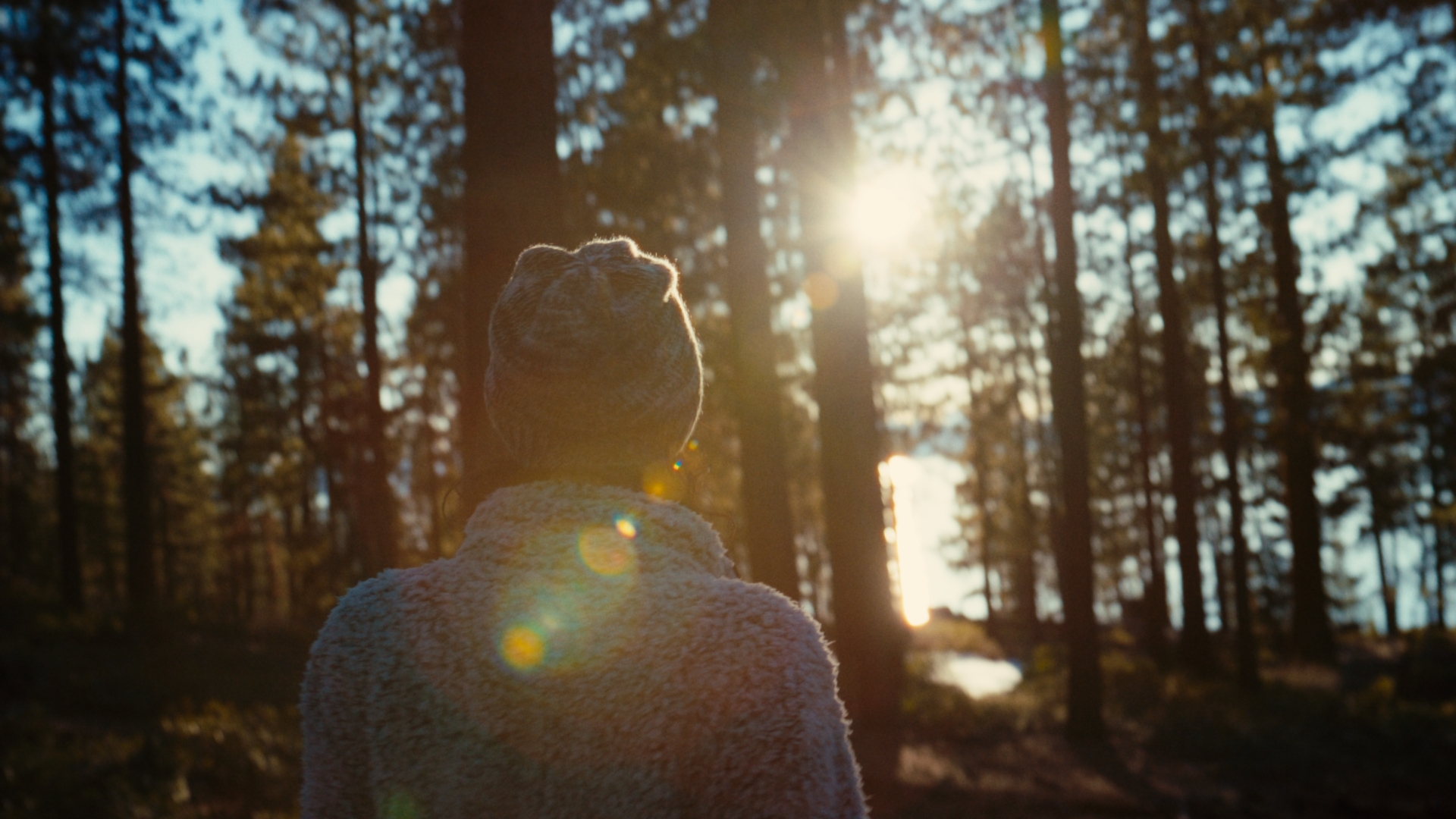
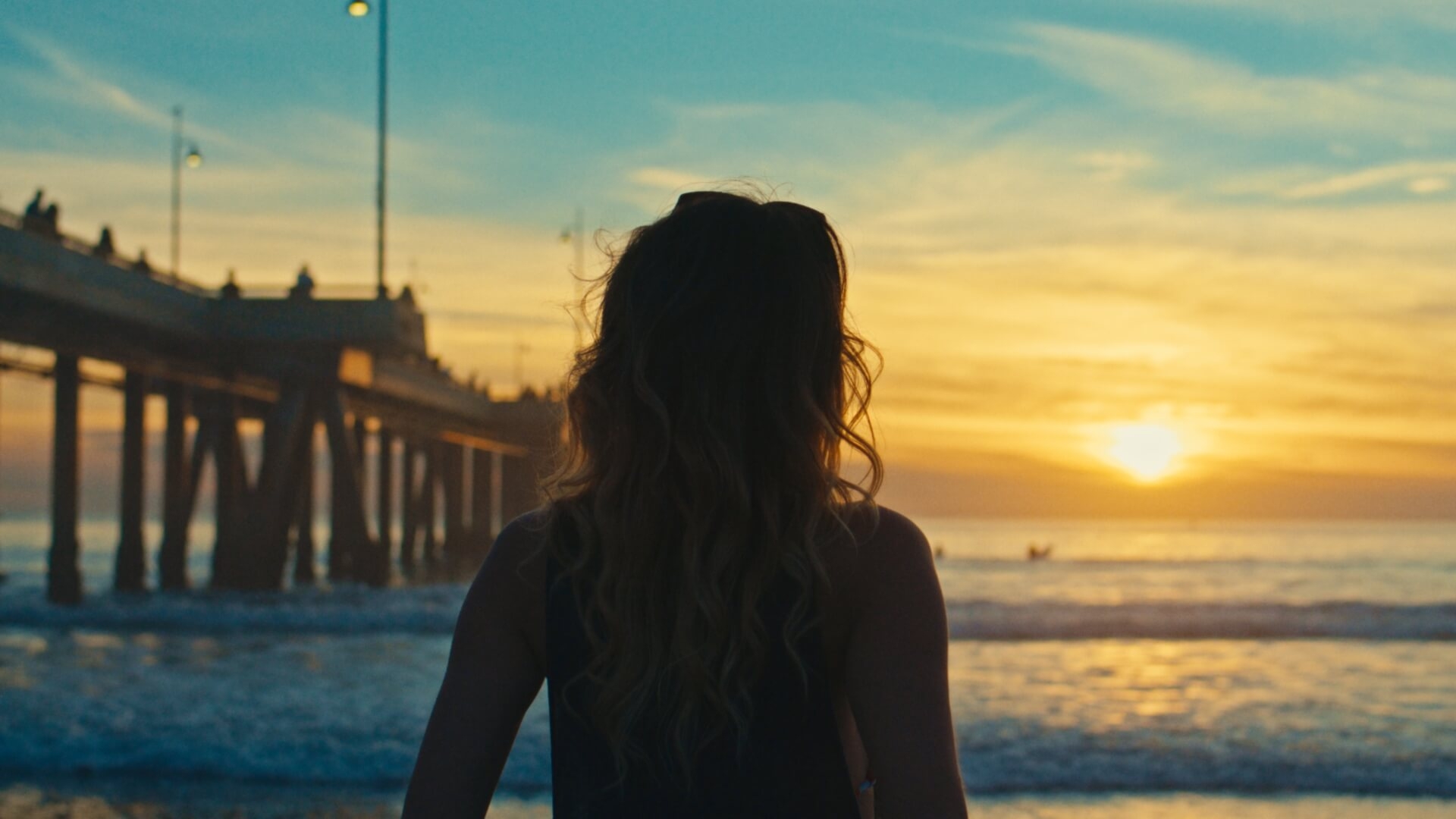
Sample Grade - Clips from Arri & Raw.Film
-
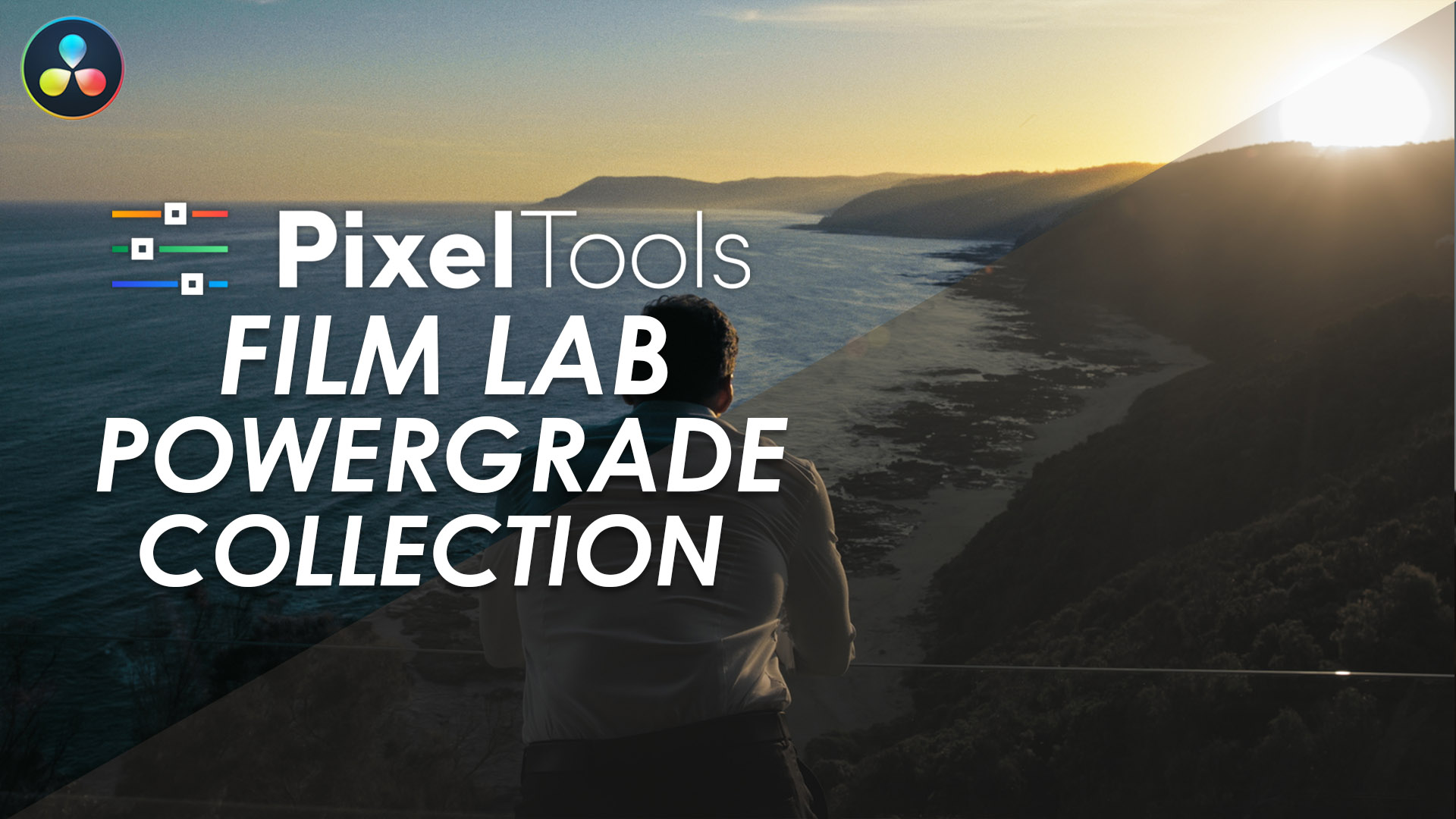
Hey Lowepost Community! Based on popular demand, we just released a brand new 100% FREE PowerGrade over at PixelTools
The Kodak 2383 and Fuji 3513 FPE LUTs included with Resolve have been used in literally thousands of productions, but they require a bit of technical conversion before they work properly with modern high-end cinema cameras and workflows. The process is discussed in several courses on this site, including my own, but no need to set this up for EVERY project.
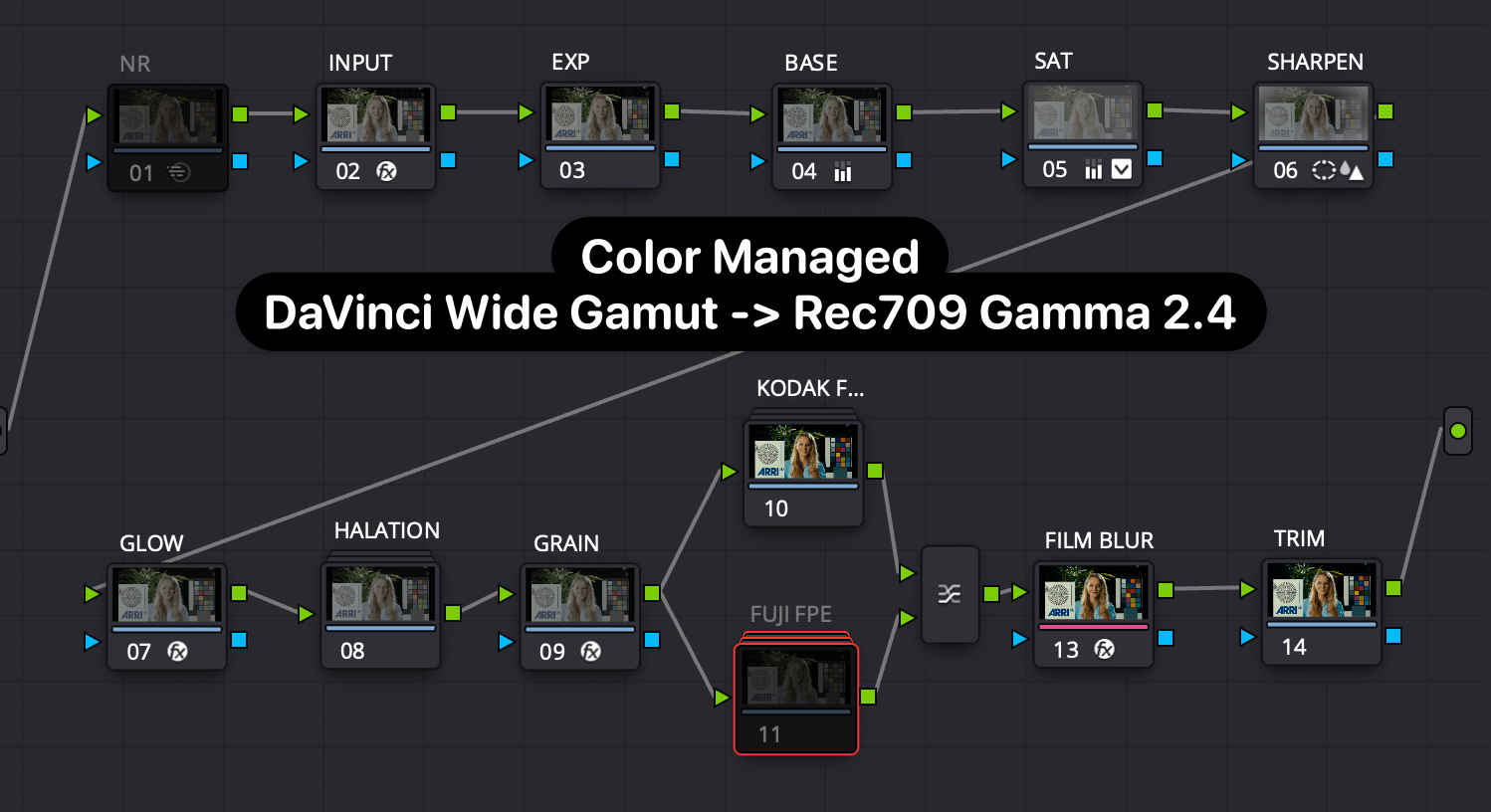
This PG sets up a fairly simple node tree that handles everything needed to set-up and properly apply either legacy FPE look-up table to modern digital cinema cameras using modern color management on a node level, specifically DaVinci Wide Gamut (DWG) until output to Rec709 G2.4.
Features:
- Manual Node-Based Color Management - Just set your camera settings in Node 2 (INPUT)
- Built-In Halation, Grain, Glow, and Film Blur
- Multi LUT design - mix & match Kodak and Fuji FPEs using Layer Node
- No Additional Plug-ins Required! Just DaVinci Resolve Studio 17.4+ (Free version works just w/o Film Grain Node)
Free Download for Email Newsletter Sub (We respect your Inbox): https://pixeltoolspost.com/pages/free-powergrades
Have questions, comments or feedback after using the PowerGrade? We'd love to hear your thoughts. Happy grading!Node Tree
-
2
-
-
Fantastic!
-
Like many of you, I have an affinity with film. Okay, maybe it's a bit of an obsession.
I love everything about it - the contrast curve, the unique colorimetry, the way it makes sun and skin look.
It's a timeless way of image acquisition that I wanted to attempt to emulate as much as possible in a manually "node-based" color managed pipeline.
The result, after months of matching color charts in dark rooms and testing on real world projects, is our newest PixelTools release.
Introducing:
- The PixelTools FilmLab Collection -
Here are a few of the Film Lab Collection's unique features:
- Built around the popular Kodak Vision 3 2383 Print Stock (with more coming soon as free updates!)
- Scene-Referred Arri Log-C color pipeline supports SDR, HDR, and Cinema-DCI P3 with Gamut Limiting built-in
- Includes 3 Adjustable Presets for Grain, Halation, and Diffusion
- Over 120 PowerGrades in 10 different categories to design your custom photochemical-inspired look
- No Additional Plugins Required, seriously!
- Wide Camera Support - RED, BMD, Sony, Fuji, Panasonic, and Rec709
- Free Updates for One Year
As with all PixelTools products, Lowepost members get an exclusive discount code with their membership, which you can access HERE.
Learn more at https://pixeltoolspost.com/ and let us know if you have any questions or feedback below.
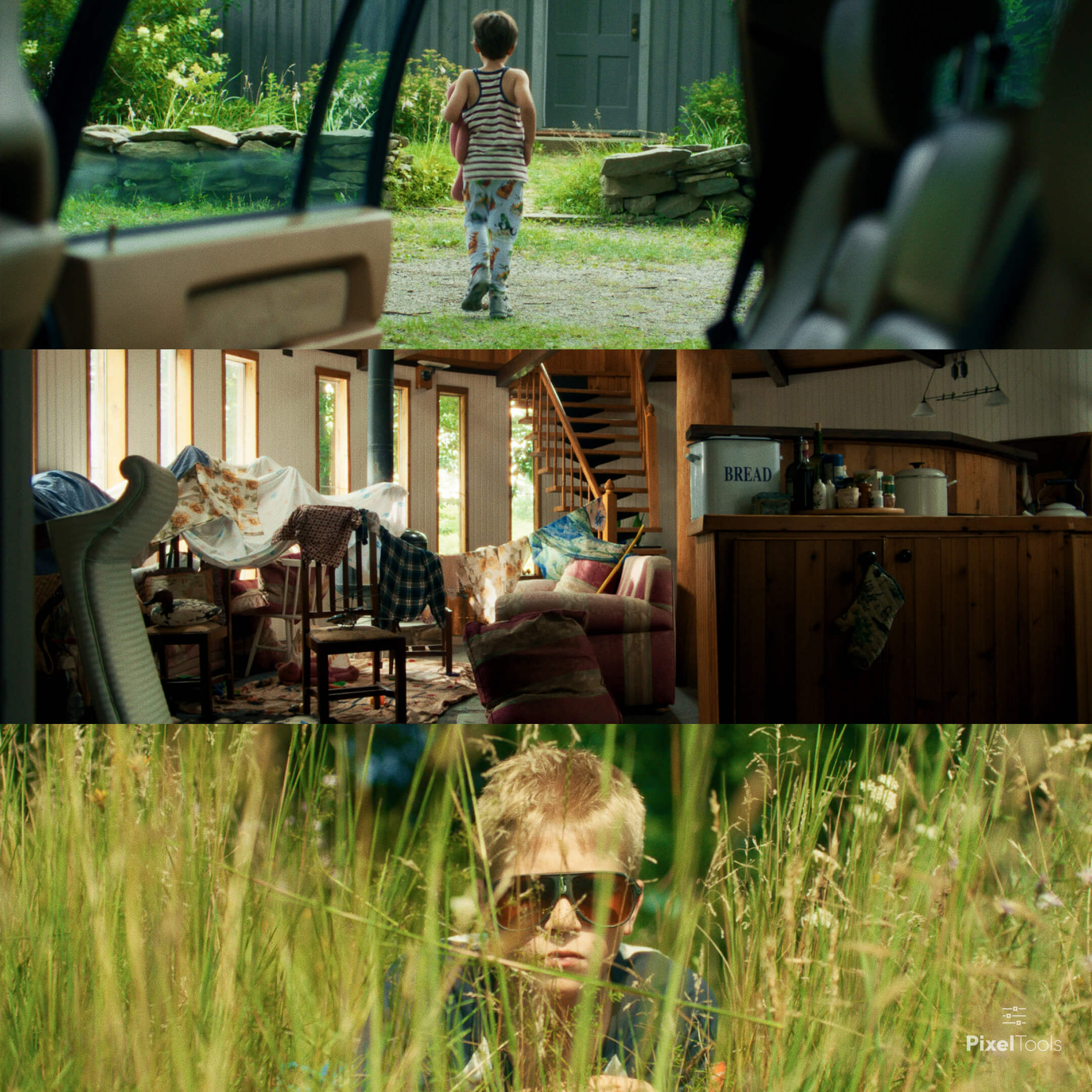
I've attached a few samples below, but I totally understand this is not enough of a demo.
I hope to post more samples (both video and still shortly) and a full walkthrough of the product VERY soon.
-
2
-
It's a 3x3 matrix (with some hue tweaks if I recall) recreated using the RGB Mixer node in Resolve intended to emulate the effects of the negative film stock of a 250D Negative in that specific powergrade.
-
 1
1
-
-
Hey Rob, Film Lab was built completely in Resolve 17 and the Vol 1 collection works in R17 and should get an update w more PGs soon.
-
1
-
-
Nico is a nice guy and has been working on the site for a while. If you're looking for additional training outside of Lowepost, BMD, Mixing Light, etc, its def worth a look.
-
1
-
-
With the release of Resolve 16.0 official, I wanted to confirm that all of the PowerGrades in the Vol. 1 Collection are 100% compatible. That said, we will soon be releasing an free update with additional PowerGrade presets that take advantage of the new features of Resolve 16.
-
1 minute ago, dermot.shane said:
one thought, just cause i use L*a*b alot.. on the "L*a*b sat" PG, set pivot to .5, that gives more range to the effect using contrast to push it to 11 should it be needed;
That’s a fantastic suggestion. Look for that addition in the next update.
Thank you for sharing! I’ve learning a lot about LAB from your posts here and on LGG.
-
As I guess you can't edit previous posts, I wanted to provide an updated link as the free PowerGrades link changed.
Please use the below link to access the 8 Free PowerGrads. Sorry for any inconvenience.
-
9 hours ago, Thomas Singh said:
Ok I wonder because some of the before-references you use is out of balance and that gives a wrong impression on how the preset will look on a proper balanced image.
Thanks for that feedback. I’ll try and add some more samples, including more that are neutral, so you can get a better idea of how they look.
-
50 minutes ago, Thomas Singh said:
Are you using the Kodak LAD image as a neutral reference to build your presets on?
That is one of several references I used. I built them on a variety of source footage, evaluated and tweaked them on charts, and tested them back on the same group of test images.
-
1
-
-
Thanks for sharing, that's great feedback. I'll likely adjust the website text to better represent the product and hopefully avoid any future confusion, as that's certainly not my goal. While I don't have a team like FilmConvert (love them btw!), accuracy across a variety of cameras and the "open" nature of my product are still quite important to me.
If I omitted the words "custom" and "preset", would it be less confusing? I simply want it to be clear that they include support for both Rec709 and log sources.
On a related subject, would you find certain having certain "tweaks" built into a Transform power grade useful or counterintuitive? For example, a Sony S-Log transform that also tweaks the colors slightly towards Arri Wide Gamut LogC (manually not via an effect)?
Thanks again, Abby!
-
23 minutes ago, Abby Bader said:
I understand, but how do you match the different camera profiles to ensure your presets will give the same result with different cameras?
Well, I'll take a step back and mention that all the "look" PowerGrades were designed for a Rec709 source image. The workflow I'm suggesting is to rely on Resolve's built-in color management (via the CST effect) to transform any log sources to Rec709 prior to applying a look, so they should all in a single color space (Rec709) at that point. I haven't done any camera-specific corrections (such as correcting the Alexa matrix, correcting the red in Sony S-Log, etc) outside of the color transform, but if it's common feedback I'll definitely consider adding it as a free update.

-
Hi Abby! Nothing too crazy, I’m utilizing an instance of the Color Space Transform to get the image into a Rec709 colorspace prior to applying a look. I included the Arri LogC to Rec709 Transform PowerGrades in the sample pack, if you’re curious.
-
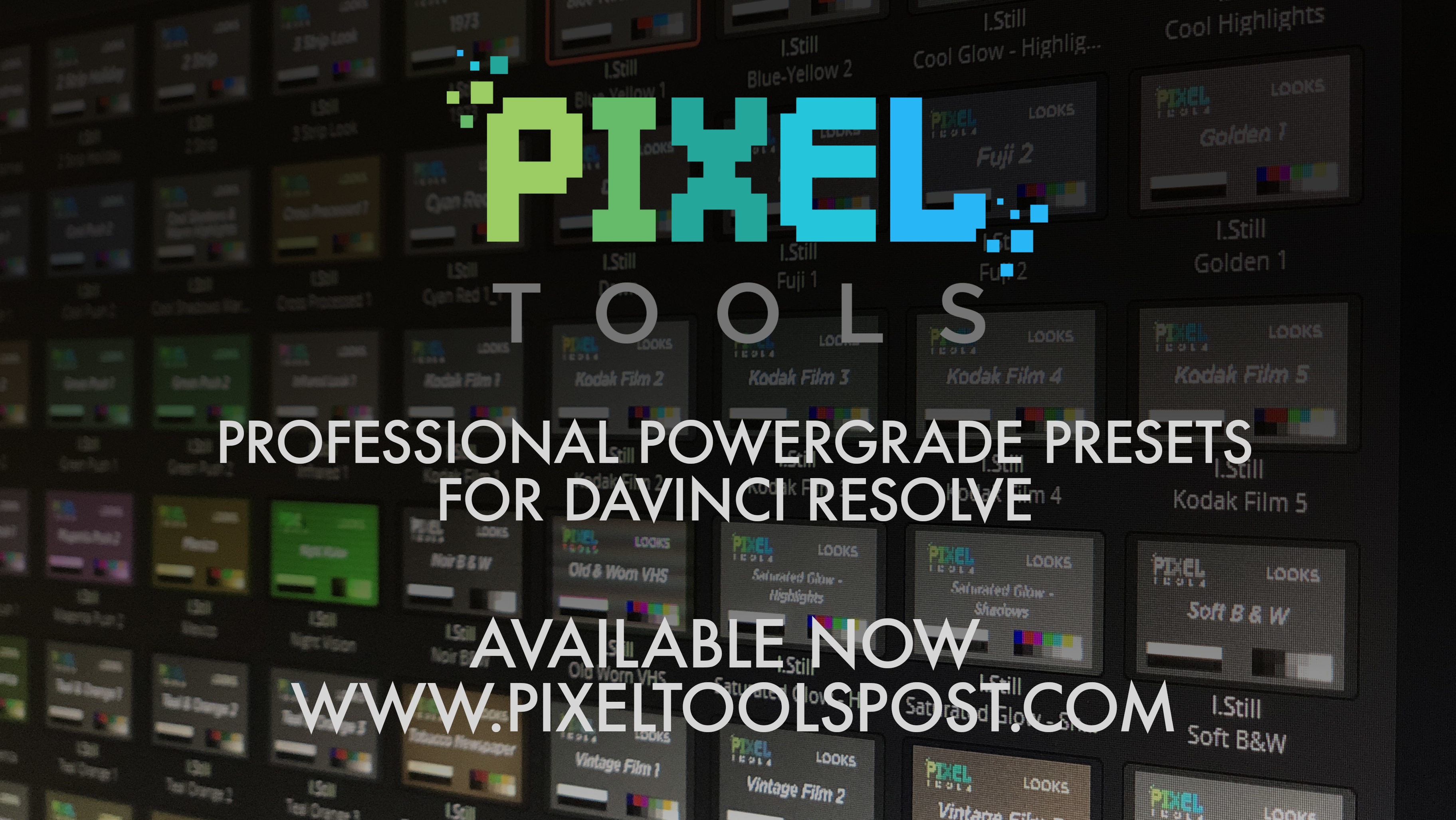
Hey LowePost Community,As I'm sure all of you know, having a personal PowerGrade preset library can be an incredibly useful, time-saving tool. That said, it takes a lot of time to put them together, keep them organized, updated, etc, so I decided to do something a bit different. In an effort to create a basic "toolset" that most could use as a starting point for their PowerGrade Library, I started developing PixelTools about 6 months ago.Today, I'm thrilled to announce the release of PixelTools Vol 1 PowerGrades Collection. Consisting of 100+ PowerGrades designed to save you time and help spark your creative juices, I encourage you to take a look and see if it might something worth adding to your post toolbag. If you change your mind within 7 days of purchasing, email me at jason@pixeltoolspost and I'd be happy to process a full refund.I wanted to give this group a launch discount until the end of the month, so use the following Purchase Link along with coupon code LOWEPOST to get 30% off at checkout.Interested but not entirely sure? We offer 7 FREE sample PowerGrades for you to try. Go to http://bit.ly/FreePowerGradesPlease let me know if you have any questions.
-
2
-

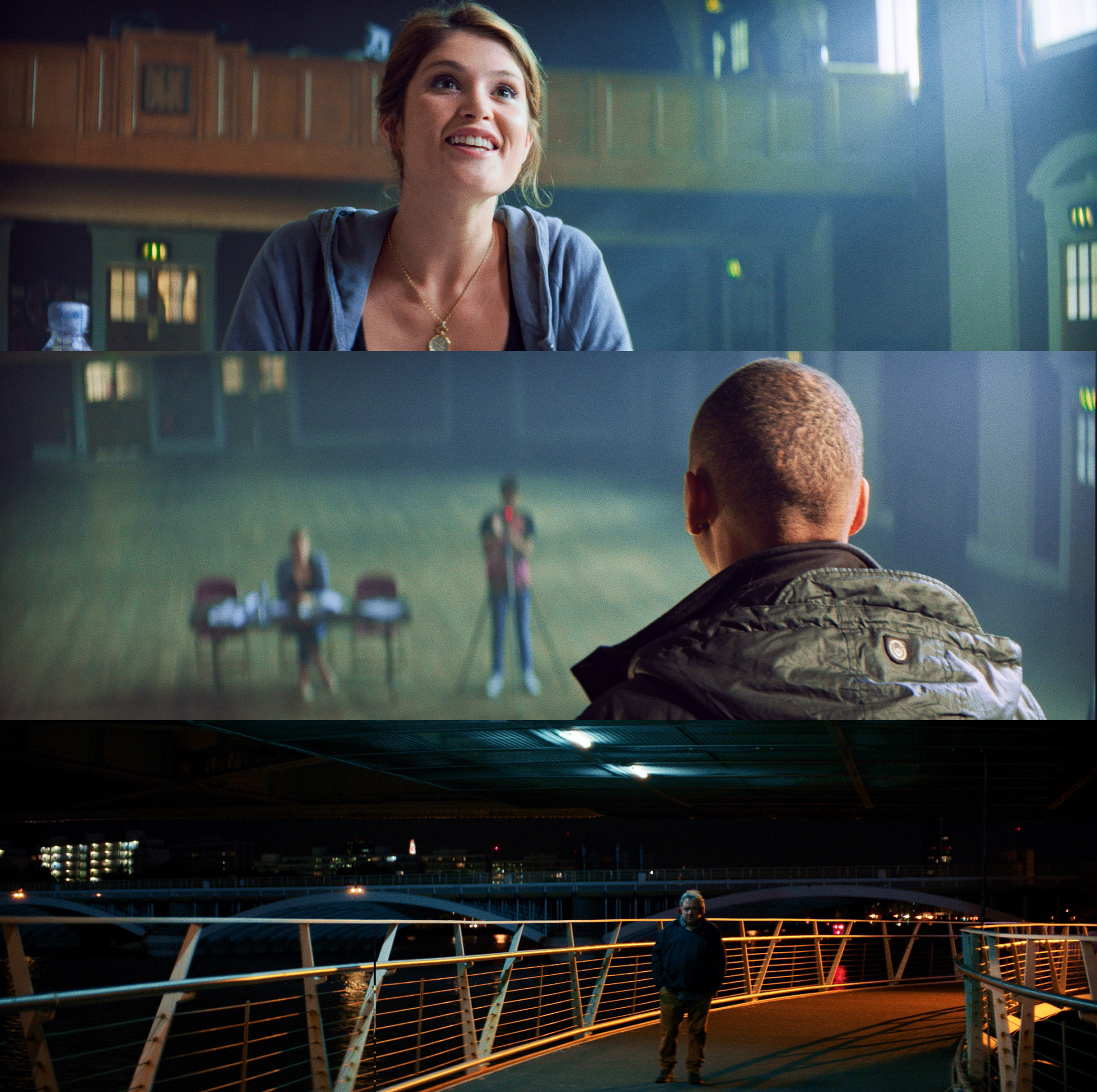
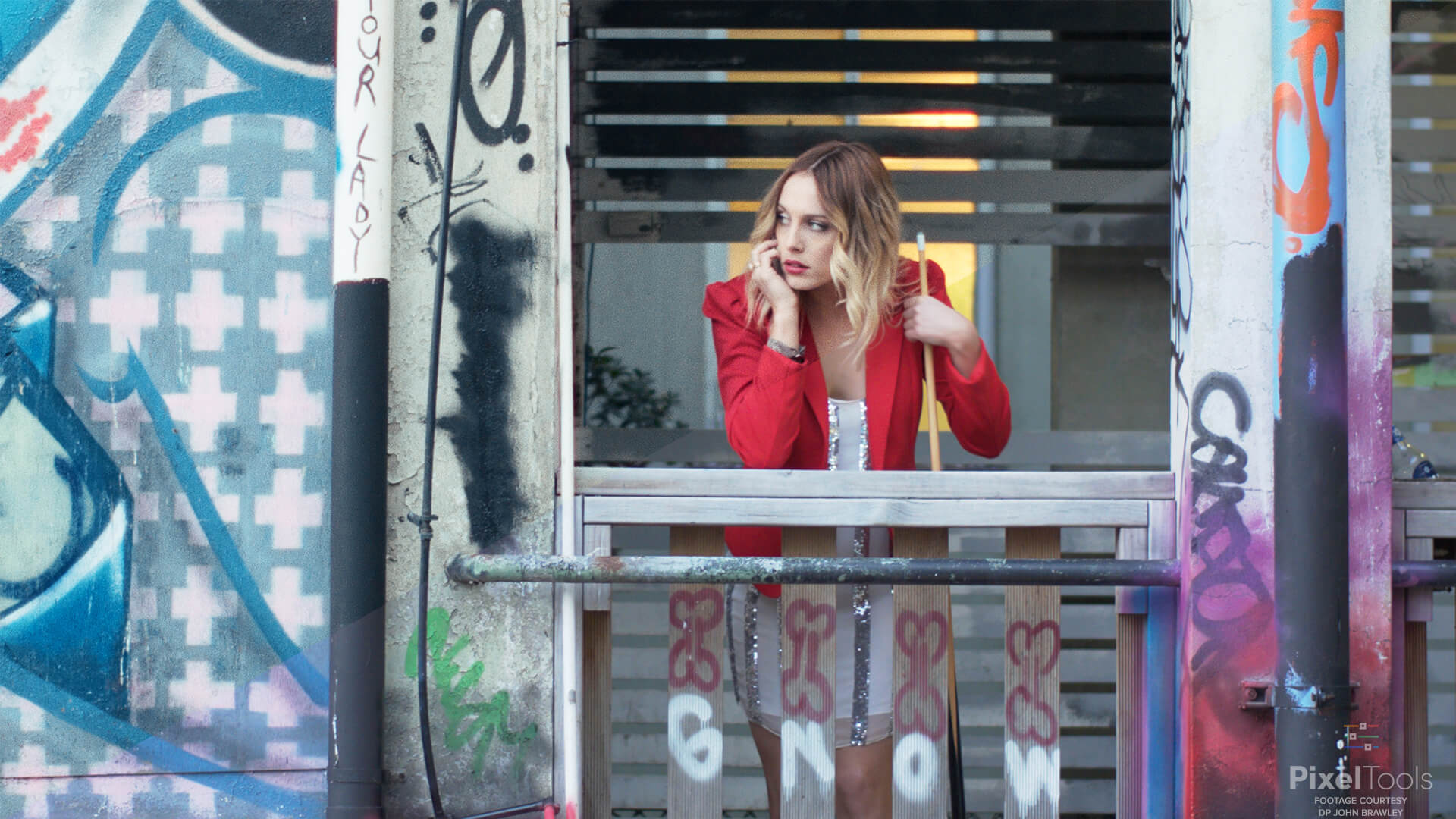
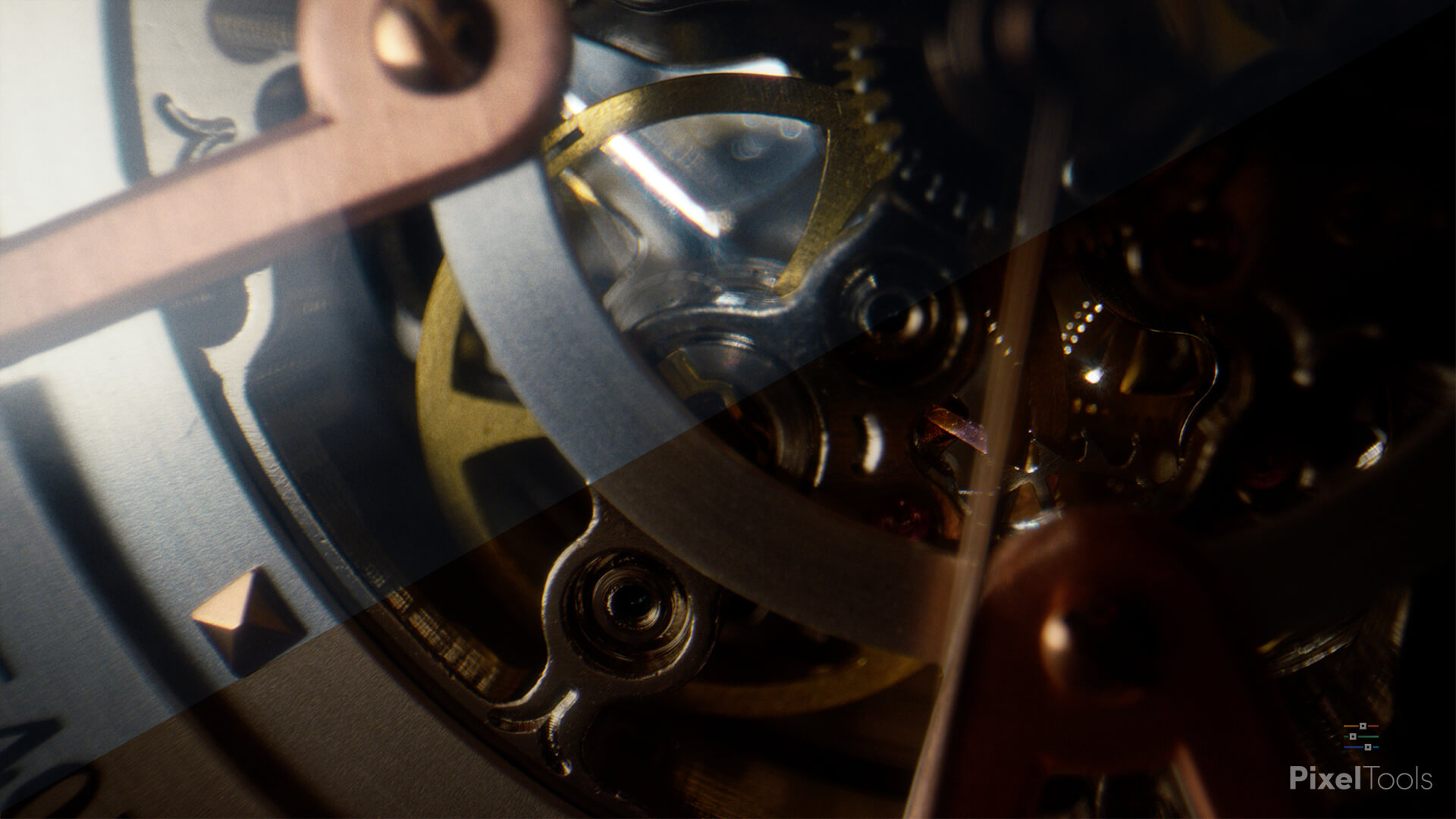
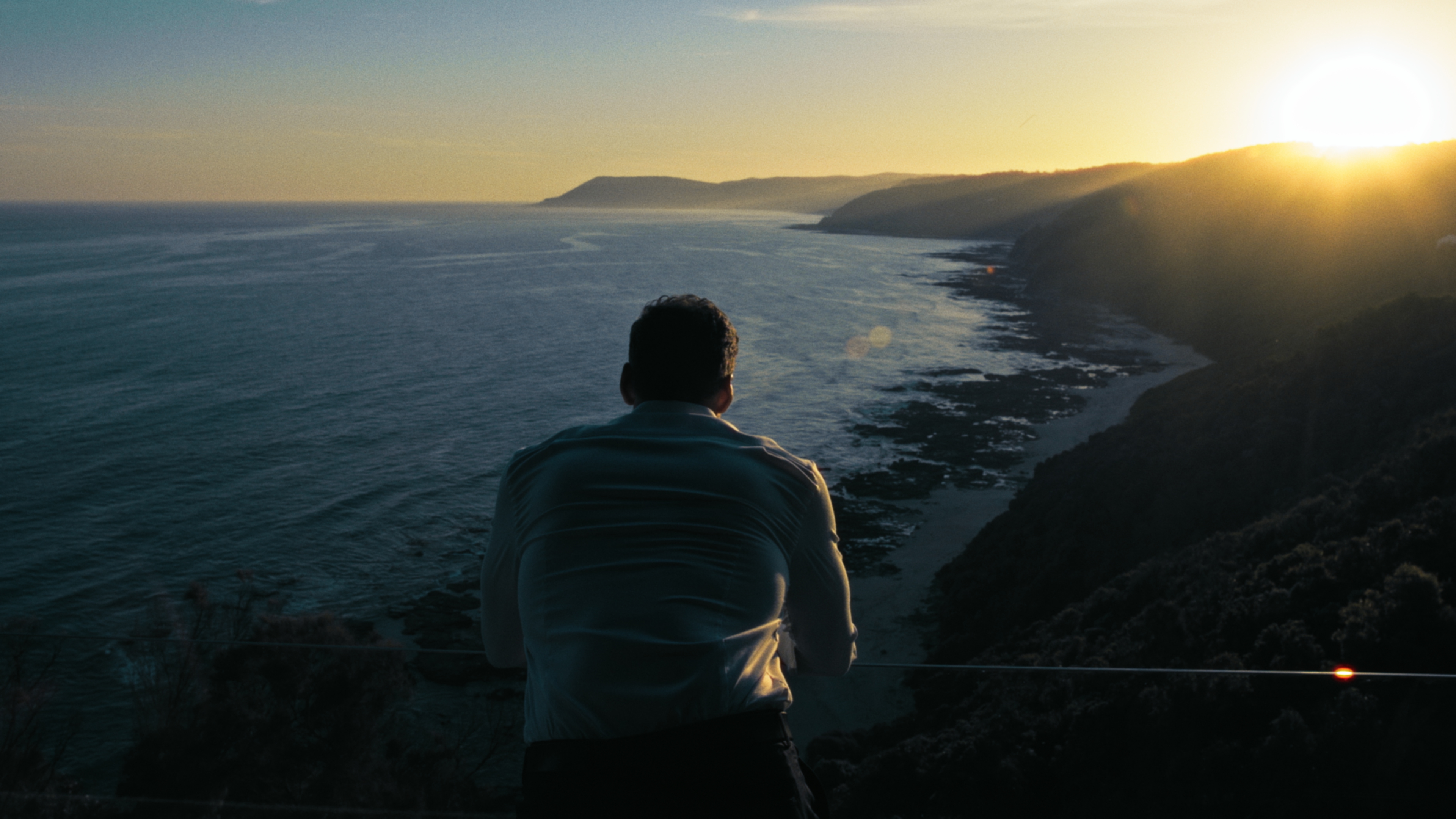

Share your node tree?
in DaVinci Resolve
You may want to check out this recent PowerGrade collection. May even see a few familiar faces in there - with permission, of course.